

Asking for a shift to be covered
One button in your portal. Your agency sees it first, and you find out who picked it up.
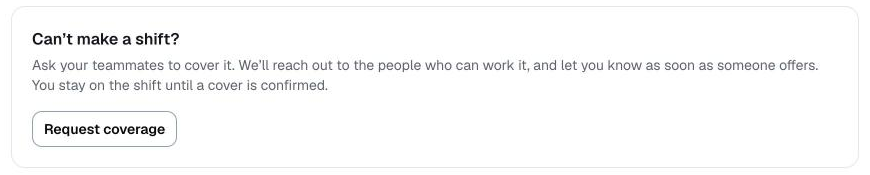
If something has come up and you cannot work a shift you are booked for, you can ask for cover from your portal. You do not need to text anybody.
How to ask
- Open your portal and scroll to the bottom.
- Press Request coverage.
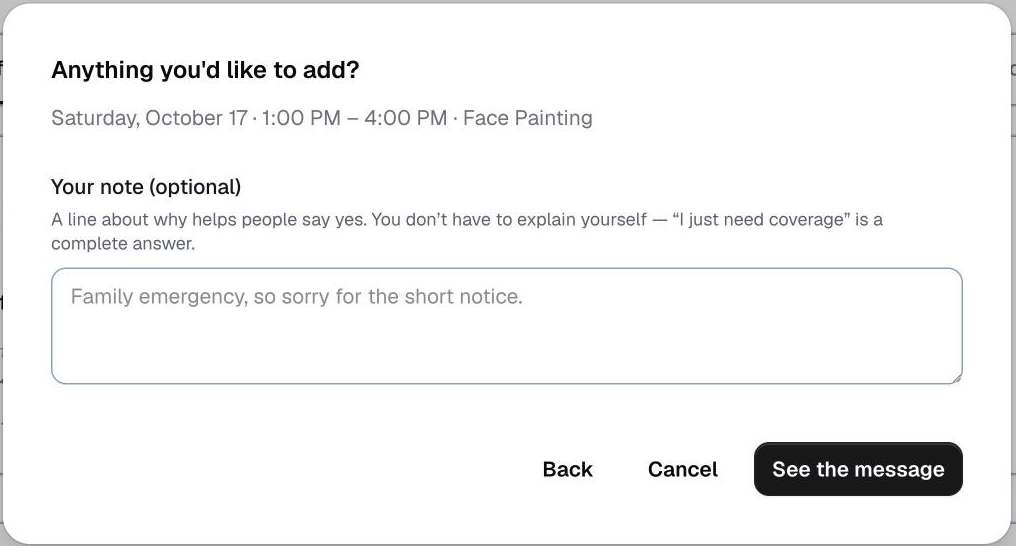
- Pick the shift.
- Add a short note if you want to explain — it is optional.
- Send it.
What happens next
Your agency is told straight away. Depending on how they have set it up, the ask either goes out to other people on the roster immediately, or waits for them to release it.
The people asked are only those who could actually do it — right service, free at that time, and near enough to get there.
Nobody is given your phone number, and nobody who declines is shown to anybody else.
Who covers you
When someone is confirmed, you are told who. Until then the shift stays yours, so keep the time free.
If you can make it after all
Open your portal and press I can make it after all. If nobody has been confirmed yet, the ask is called off.
Was this helpful?
Last updated